



Hi, I’m Bindi, LavaEgg’s AI assistant. I can explain what LavaEgg does, help narrow down a practical first step, or connect you with Michael. What would you like to improve?
Websites
Website change requests
Describe a change to Bindi and LavaEgg makes it.
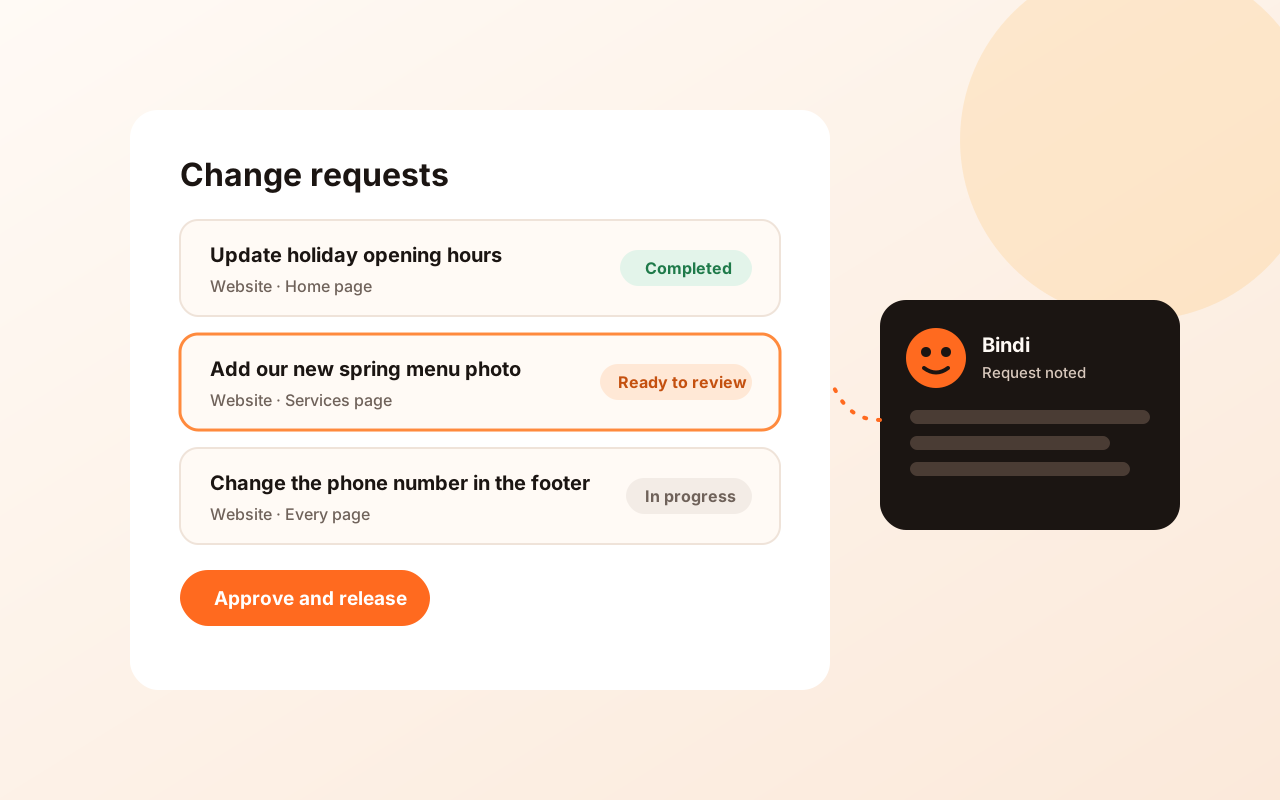
Website change requests let you ask for updates to your site by describing them to Bindi in the LavaEgg Workbench. Each request is tracked from submitted to completed, and changes go live after your approval.
What you get
What's included with Website change requests
- Describe changes in your own words to Bindi in the Workbench
- Every request is tracked, so you can see where it stands
- Changes are released after you approve them
How it works
Three steps to get started
Describe the change
Tell Bindi what you want changed, for example new opening hours or a new photo.
LavaEgg works on it
The request moves through review and work, and you can follow its status.
Approve and release
You review the result, and the change goes live once you approve it.
See it
A closer look
Plans
Plans that include Website change requests
Live prices from our published plans. Buy online, or ask Bindi which one fits.
Loading published plans…
Good to know
Before you buy
- Requests are reviewed by LavaEgg. Larger changes may be scoped separately.
Questions
Where do I make requests?
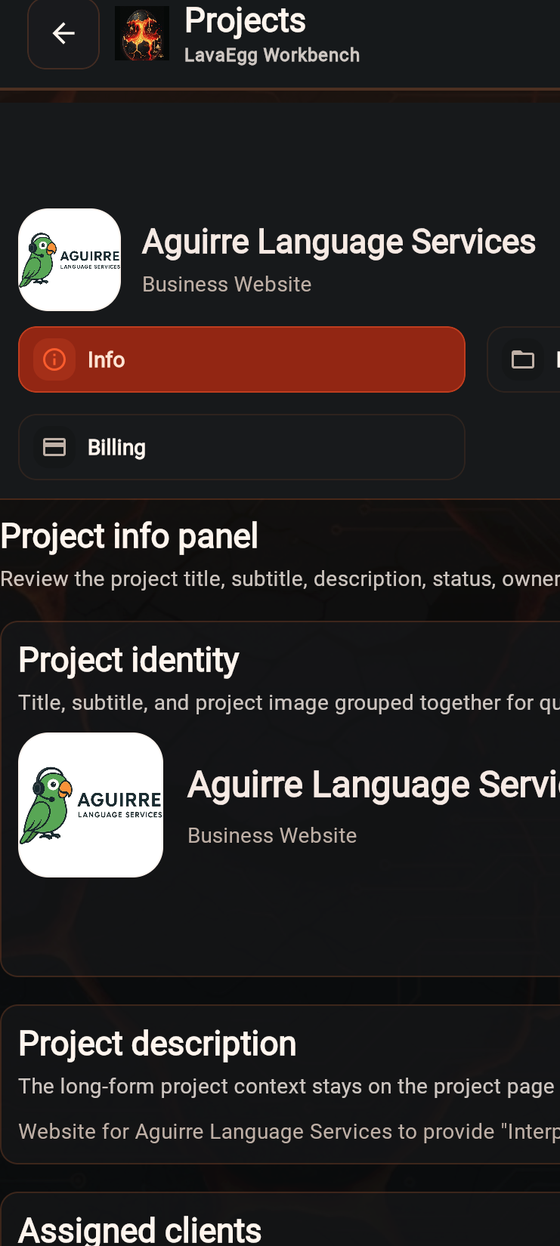
In the LavaEgg Workbench, which you sign in to with your LavaEgg account.
Works well with