


Hi, I’m Bindi, LavaEgg’s AI assistant. I can explain what LavaEgg does, help narrow down a practical first step, or connect you with Michael. What would you like to improve?
Booking and scheduling
LavaEgg Scheduler
Online booking and team schedules in one place.
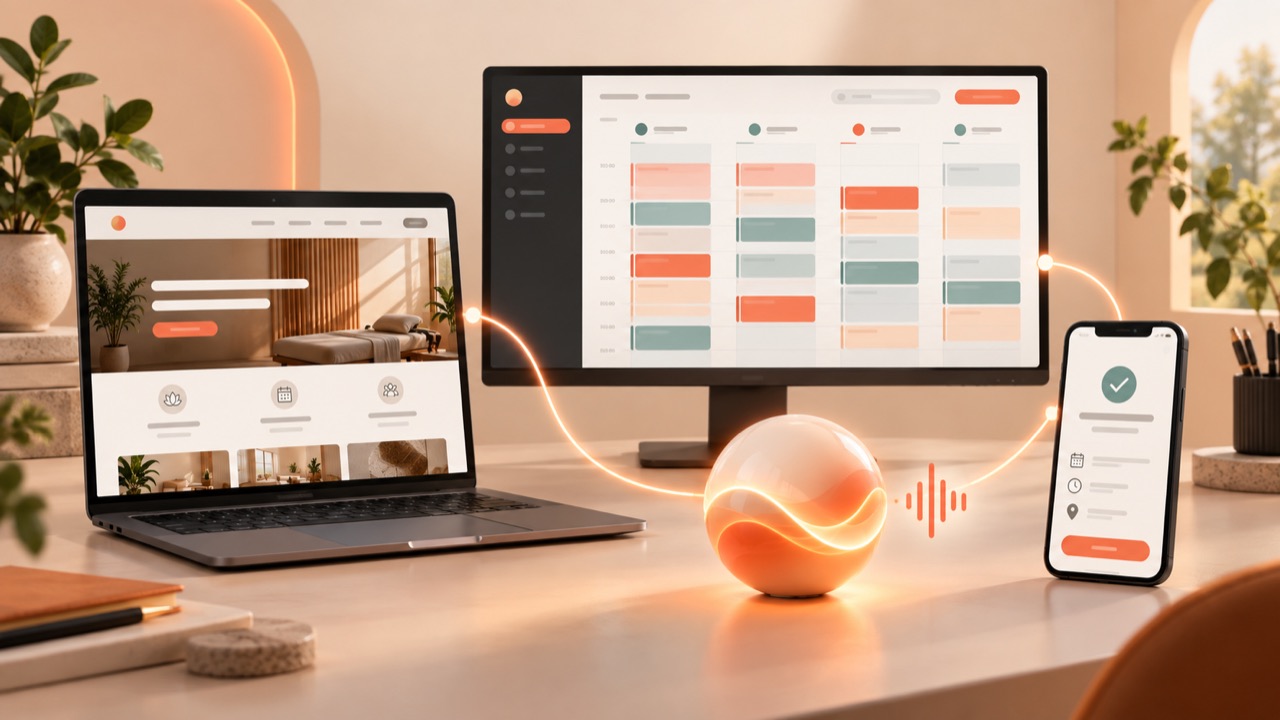
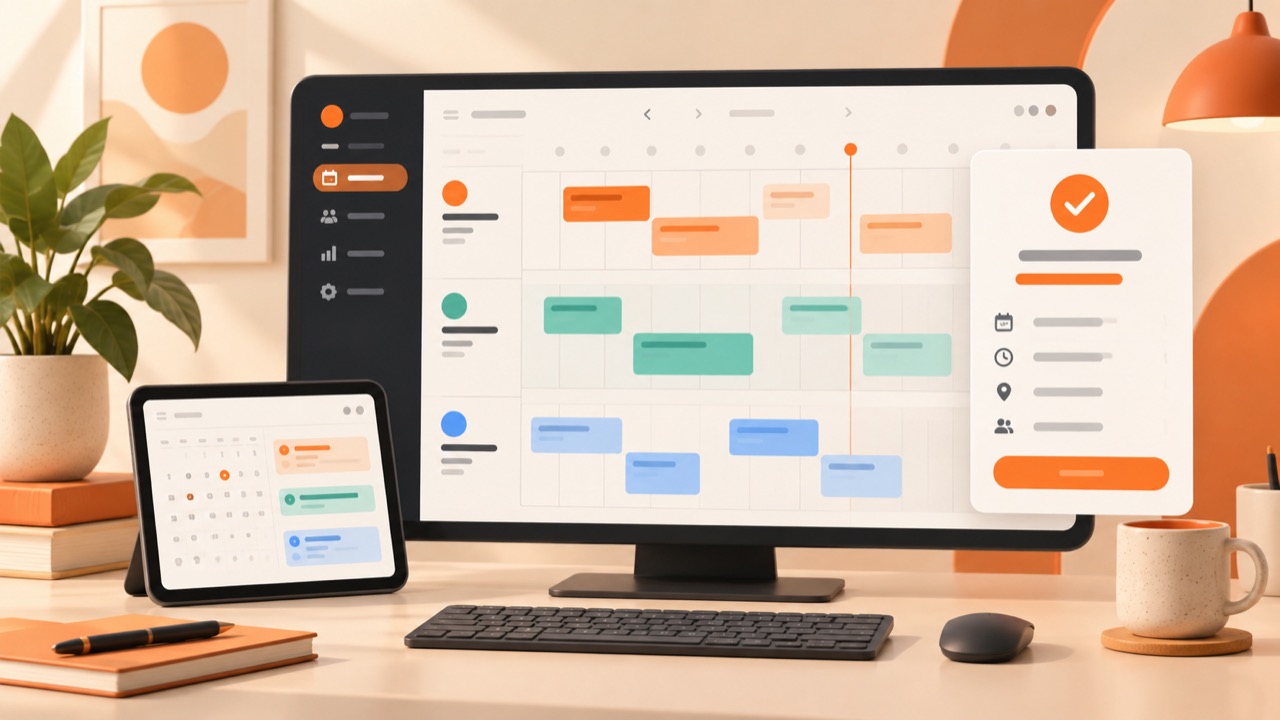
LavaEgg Scheduler gives your business a public booking page and a shared schedule for your team. Customers pick a service and an open time, and your team sees every booking in one calendar view.
What you get
What's included with LavaEgg Scheduler
- A public booking page customers can open from your website, a link or a QR code
- Schedules for each person, room or resource you take bookings for
- The services you offer, with their length, published for customers to choose
- One calendar view of the bookings across your team
- A calendar invitation with each booking confirmation
How it works
Three steps to get started
Set up your schedule
Add the services you offer and the people or rooms that provide them, then set when each one is available.
Share your booking page
Publish the page and link it from your website, social profiles or a QR code.
Take bookings
Customers choose a service and an open time. Each booking shows up in your team's schedule.
See it
A closer look
Plans
Plans that include LavaEgg Scheduler
Live prices from our published plans. Buy online, or ask Bindi which one fits.
Loading published plans…
Good to know
Before you buy
- Each plan sets how many schedules, bookable services and schedule managers you can publish. The plan cards show the numbers.
- If a subscription ends, the booking page stops taking new bookings and your schedule and bookings are kept.
Questions
Can customers book without calling?
Yes. Your booking page shows the services and open times you publish, and customers book the time that suits them.
Can I use it without a LavaEgg website?
Yes. The Scheduler plans include the booking page on its own, and you can link to it from any website.